
YouTube网页旧UI样式
下载插件Stylus,解压导入至Chrome
- 在插件设置里修改样式排版
ytd-rich-grid-renderer {
    --ytd-rich-grid-items-per-row: 5 !important;
  }

  ytd-rich-grid-row {
    display: grid !important;
    grid-template-columns: repeat(5, 1fr) !important;
    column-gap: 16px !important;
  }

  ytd-rich-item-renderer {
    max-width: none !important;
  }
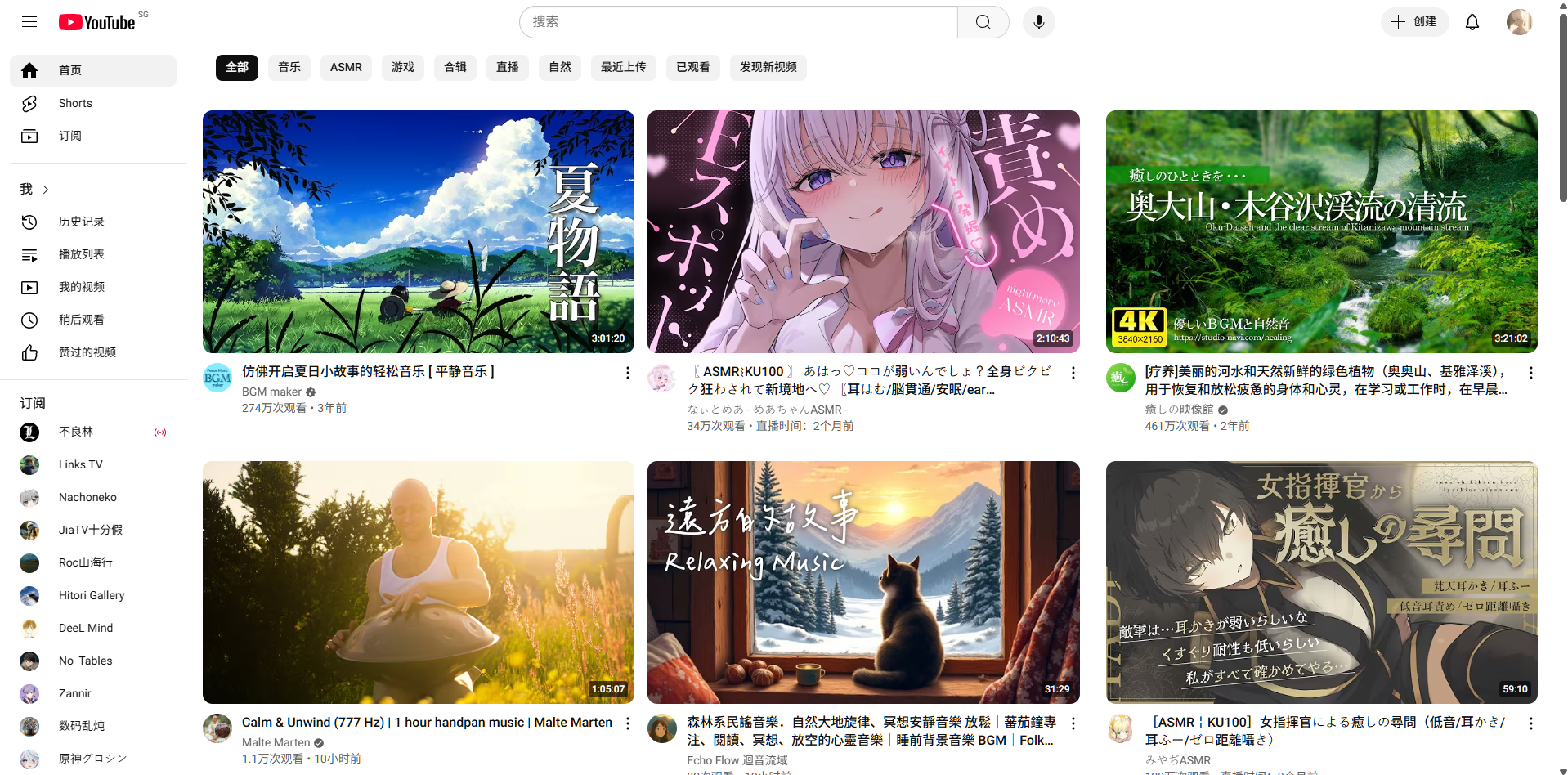
修改前
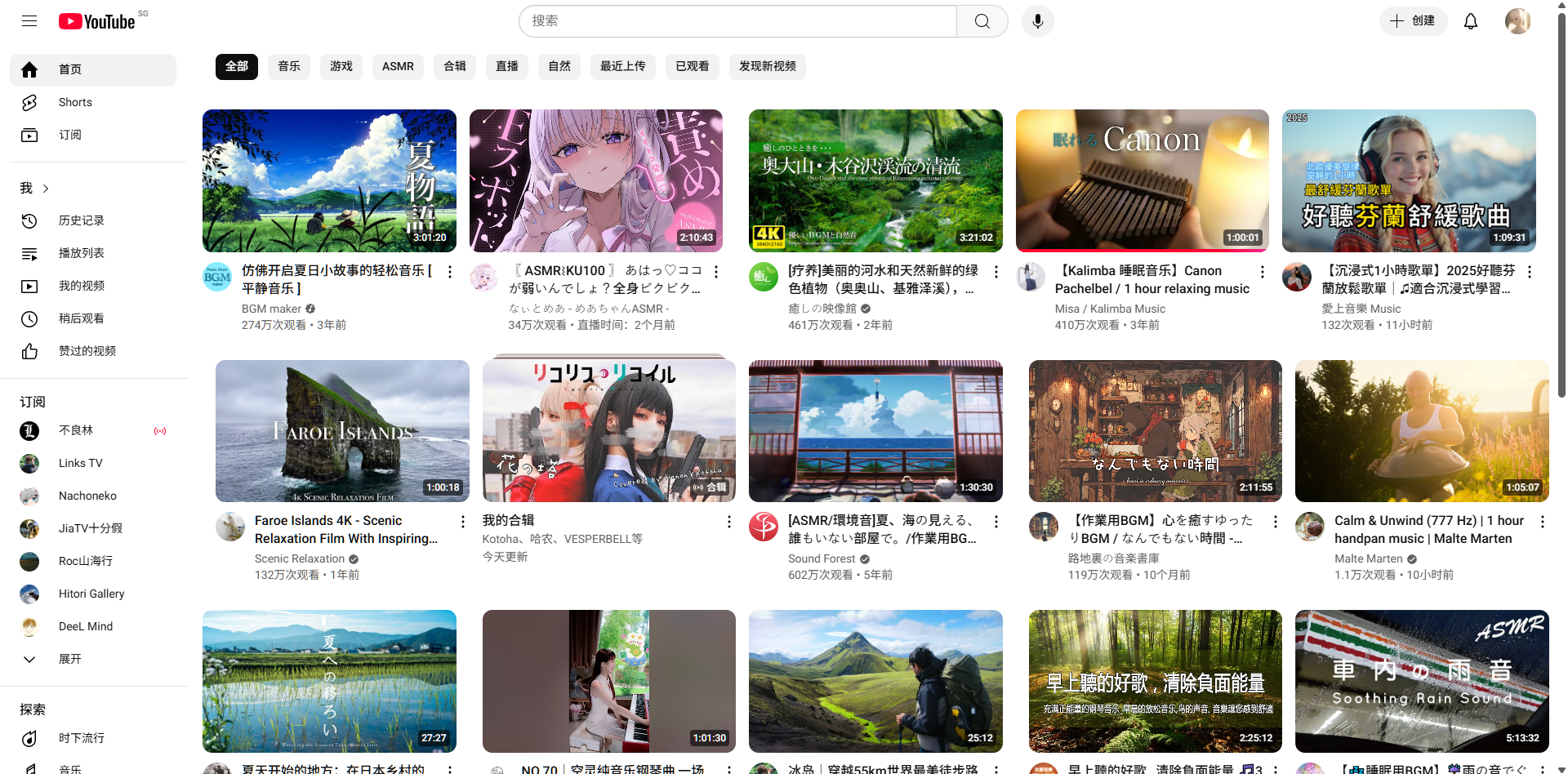
修改后
屏蔽YouTube Shorts
安装油猴插件
- 导入屏蔽代码至油猴插件
// ==UserScript==
// @name         屏蔽YouTube Shorts
// @namespace    http://tampermonkey.net/
// @version      0.1
// @description  自动屏蔽YouTube Shorts页面,跳转到正常视频或隐藏Shorts内容
// @author       巧克拉
// @match        https://www.youtube.com/*
// @grant        none
// ==/UserScript==

(function() {
    'use strict';

    // 如果是shorts链接,尝试跳转到对应视频
    if(location.pathname.startsWith('/shorts/')){
        let videoId = location.pathname.split('/shorts/')[1].split('/')[0];
        if(videoId){
            // 跳转到正常视频页面
            location.replace(`https://www.youtube.com/watch?v=${videoId}`);
        }
    }

    // 主页和推荐页面屏蔽Shorts卡片(可选)
    const observer = new MutationObserver(() => {
        // 选中所有Shorts视频卡片节点
        let shortsCards = document.querySelectorAll('ytd-rich-shelf-renderer, ytd-reel-shelf-renderer');
        shortsCards.forEach(node => {
            node.style.display = 'none';  // 隐藏Shorts卡片
        });
    });

    observer.observe(document.body, {childList: true, subtree: true});
})();
最后一次更新于2025-06-29


据说屏蔽ytb的广告会被减速浏览速度
By 紫慕 at July 1st, 2025 at 08:30 am.
@紫慕
我是一直开着的,没怎么感觉到有速度的限制欸
By Mxiaolu at July 2nd, 2025 at 09:30 pm.